
Pencil Finder1.0.1 - App Store
You'll be able to see results in few seconds.
Publisher Description

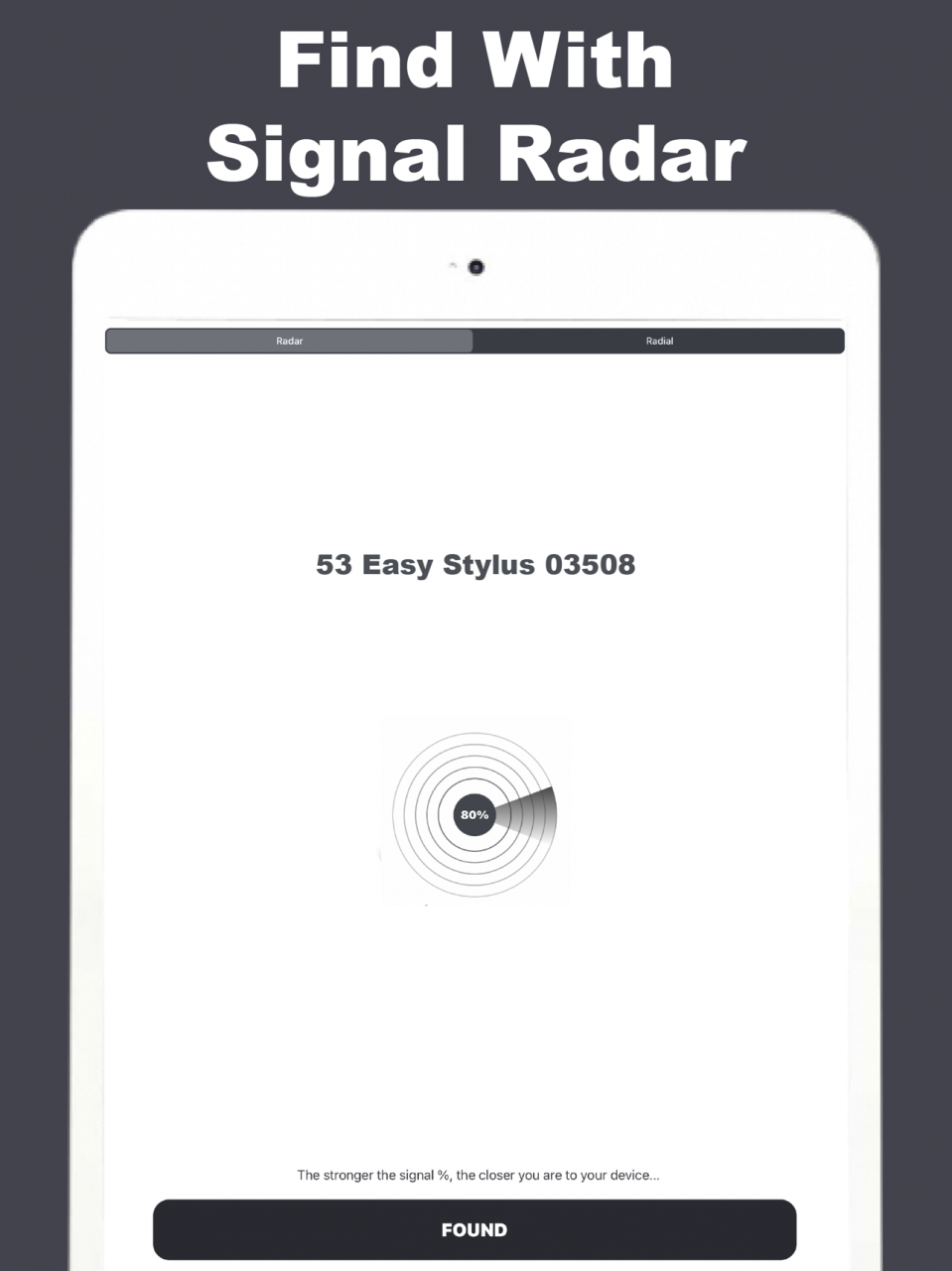

There is nothing worse than losing your bluetooth pencil or stylus! Having the ability to check your phone for where your device might be hiding could save you some stress and money!
To find your lost bluetooth pencil device this app has TWO APPS IN ONE to increase your chances of finding your lost device.
FEATURES:
TWO BLUETOOTH RADARS:
There are two radar functions to find your lost device using Bluetooth low energy proximity. These finders show hints, Bluetooth Low Energy signal strength, and estimate the distance between you and your lost device to help find it in no time!
=>> Simply use the radar features to find your missing device!
NOTES:
BLUETOOTH LOW ENERGY:
The Signal Radar and Radial Radar work with any BLE (Bluetooth Low Energy 4.0 and up) device.
Your bluetooth pencil or stylus must have a charge and be transmitting a BLE (Bluetooth Low Energy) to be found with these two functions.
SIGNAL RADAR:
The closer you are to your missing device, the higher the Bluetooth low energy signal percentage. Move around to increase the percentage and you will find your misplaced device very soon!
RADIAL RADAR:
The closer you get to your lost device the further the radial indicator will move to the right. Once you can move around to get the radial indicator to move to the right the furthest as possible, then your device is very close, have a look around and you will find it!
Support: artitchailert2020@gmail.com
Jan 9, 2021 Version 1.0.1
- Fixed the black device scan screen bug
- Added a Signal Percentage Radar
- Adjusted Radial Radar sensitivity to be more user-friendly
- Updated GUI and screenshots to accommodate the new changes
About Pencil Finder
The company that develops Pencil Finder is Artit Chailert. The latest version released by its developer is 1.0.1.
To install Pencil Finder on your iOS device, just click the green Continue To App button above to start the installation process. The app is listed on our website since 2021-01-09 and was downloaded 0 times. We have already checked if the download link is safe, however for your own protection we recommend that you scan the downloaded app with your antivirus. Your antivirus may detect the Pencil Finder as malware if the download link is broken.
How to install Pencil Finder on your iOS device:
- Click on the Continue To App button on our website. This will redirect you to the App Store.
- Once the Pencil Finder is shown in the iTunes listing of your iOS device, you can start its download and installation. Tap on the GET button to the right of the app to start downloading it.
- If you are not logged-in the iOS appstore app, you'll be prompted for your your Apple ID and/or password.
- After Pencil Finder is downloaded, you'll see an INSTALL button to the right. Tap on it to start the actual installation of the iOS app.
- Once installation is finished you can tap on the OPEN button to start it. Its icon will also be added to your device home screen.
Program Details
System requirements
Download information
Pricing
Version History
version 1.0.1
posted on 2021-01-09
Jan 9, 2021 Version 1.0.1
- Fixed the black device scan screen bug
- Added a Signal Percentage Radar
- Adjusted Radial Radar sensitivity to be more user-friendly
- Updated GUI and screenshots to accommodate the new changes
Disclaimer
Official App Store Link
We do not host Pencil Finder on our servers. We did not scan it for viruses, adware, spyware or other type of malware. This app is hosted by Apple and passed their terms and conditions to be listed there. We recommend caution when installing it.
The App Store link for Pencil Finder is provided to you by apps112.com without any warranties, representations or guarantees of any kind, so access it at your own risk.
If you have questions regarding this particular app contact the publisher directly. For questions about the functionalities of apps112.com contact us.
